Paypal
Payment process via Paypal
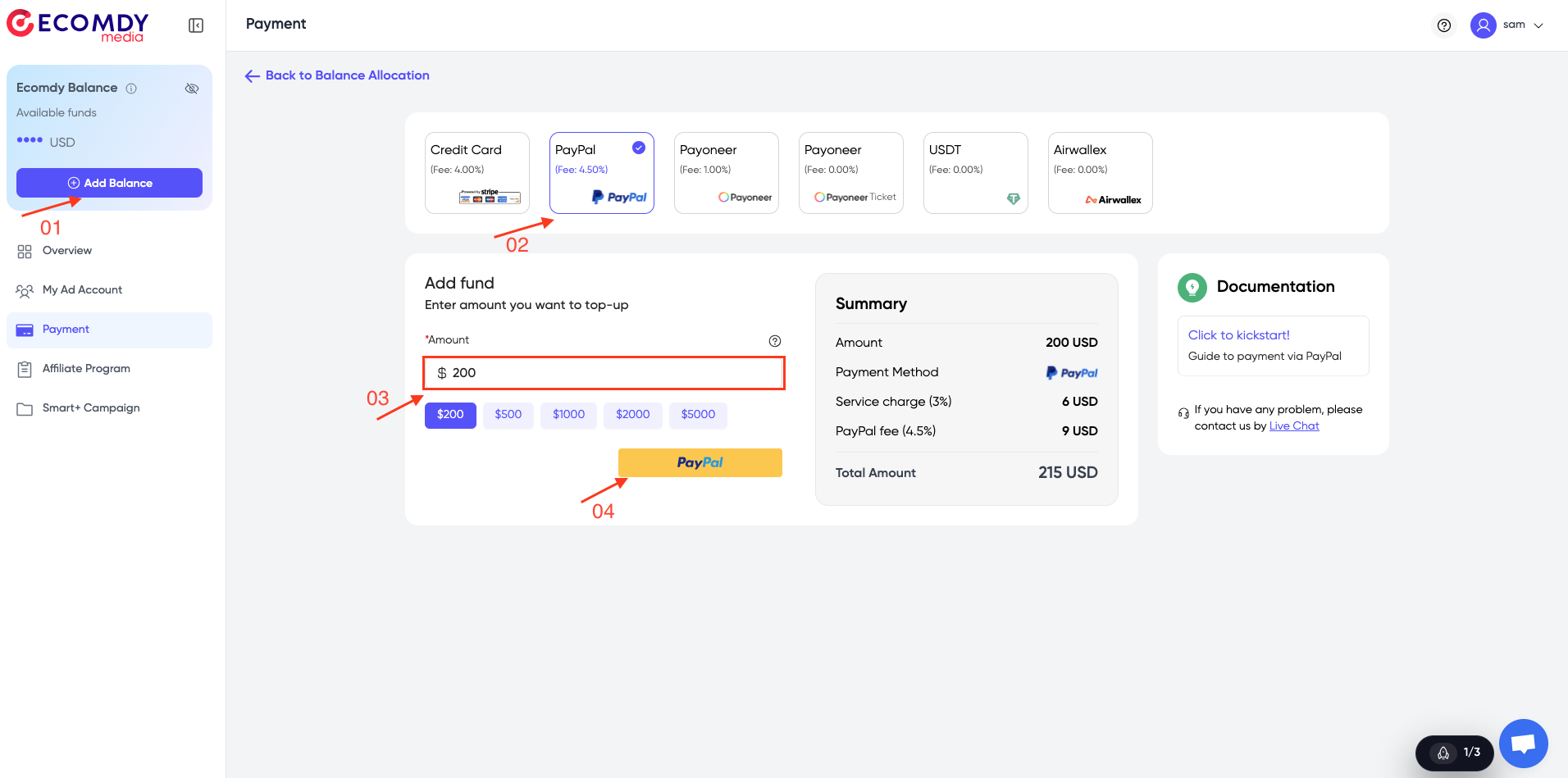
- Click the 'Add Balance' button => select 'PayPal' as your payment method.
- Enter the amount you want to add to your account, and click the 'PayPal' button.
- You can see a summary showing the total amount you will pay, including the amount you want to add to your account, service charge, and PayPal fee.
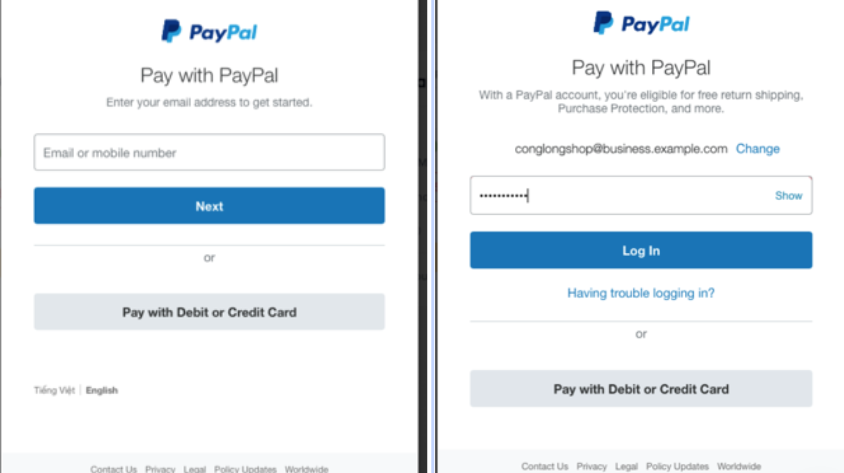
- Fill in your PayPal account information: Email, Password
- Click 'Log in'
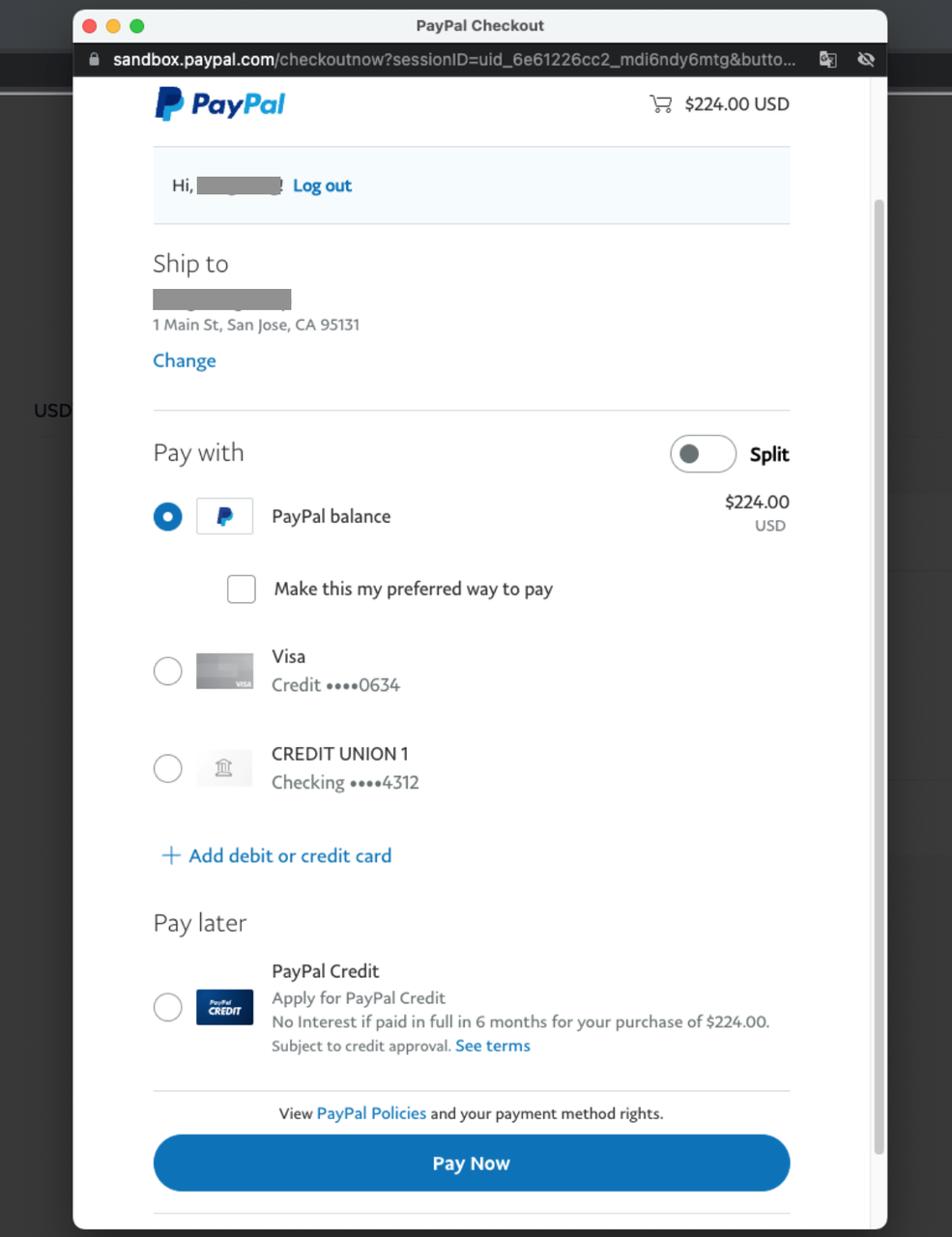
- At the PayPal checkout window
- Check your transaction
- Click 'Pay Now'